Logging
Configure korTTY's own application log: where it is stored and how long old log files are kept. Open via Configuration → Global Settings → Logging; stored in ~/.kortty/global-settings.xml.
Application log, not terminal output
This tab is about kortty.log, the file korTTY writes about itself (startup, connections, errors) for support and troubleshooting. It does not record what your terminal sessions print. Terminal output is logged per connection, in Connection Manager → Terminal Logging or with the Terminal log option of Quick Connect; see Terminal logging. The tab says so at the top and links to that section with Open in manual.
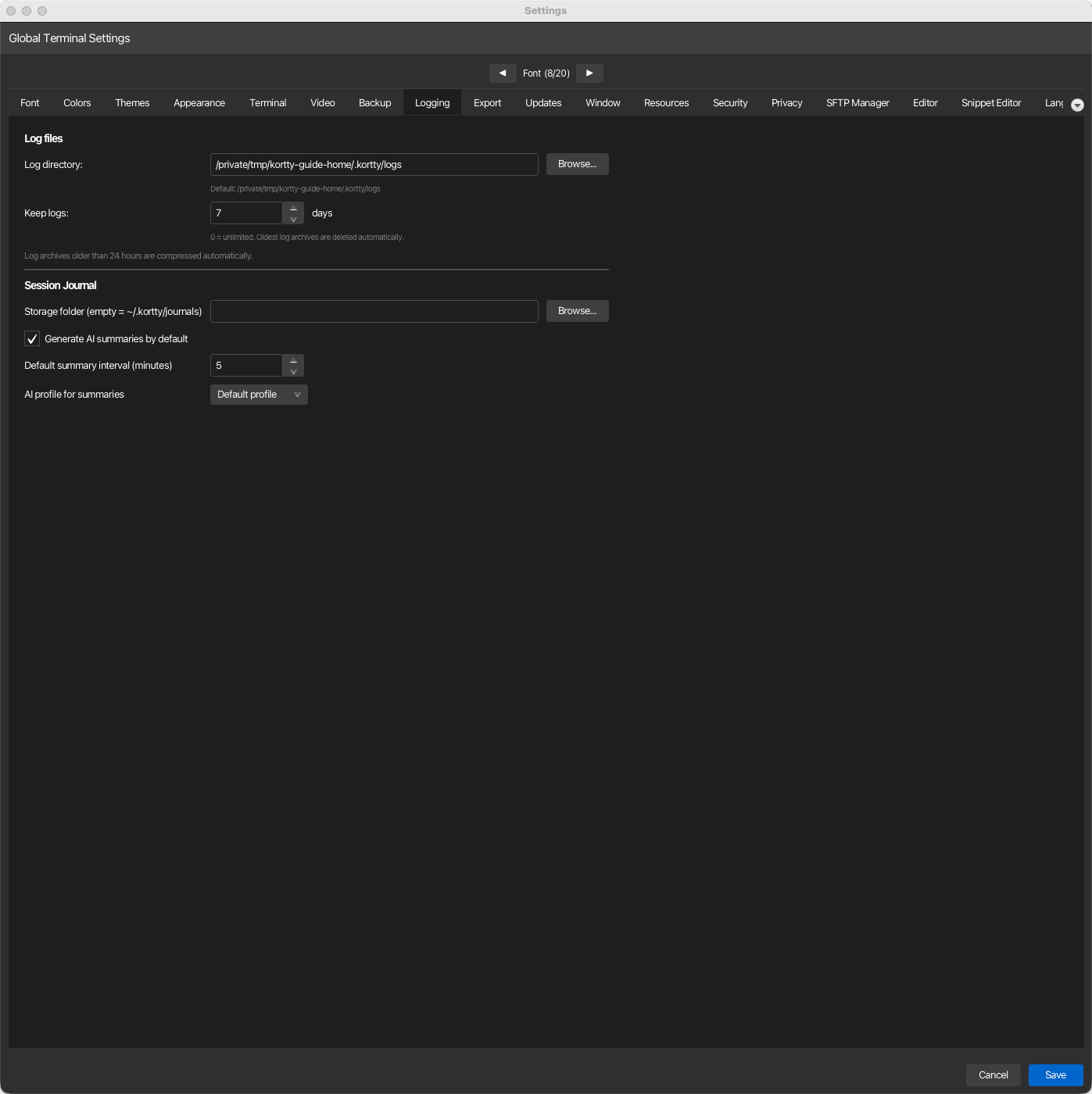
Application log
| Setting | Type | Values | Default | Stored as |
|---|---|---|---|---|
| Log directory | path | — | ~/.kortty/logs |
logDirectoryPath |
| Keep logs | number | 0–3650 days | 7 days | logRetentionDays |
Note
Log retention: Set to 0 for unlimited retention; otherwise, log archives older than the specified number of days are deleted automatically. Archives older than 24 hours are compressed automatically.
Session Journal
The same tab also holds the global session journal settings: the journal storage folder, whether AI summaries are generated by default, the default summary interval and the AI profile used for summaries. They are documented on the session journal page.