Video
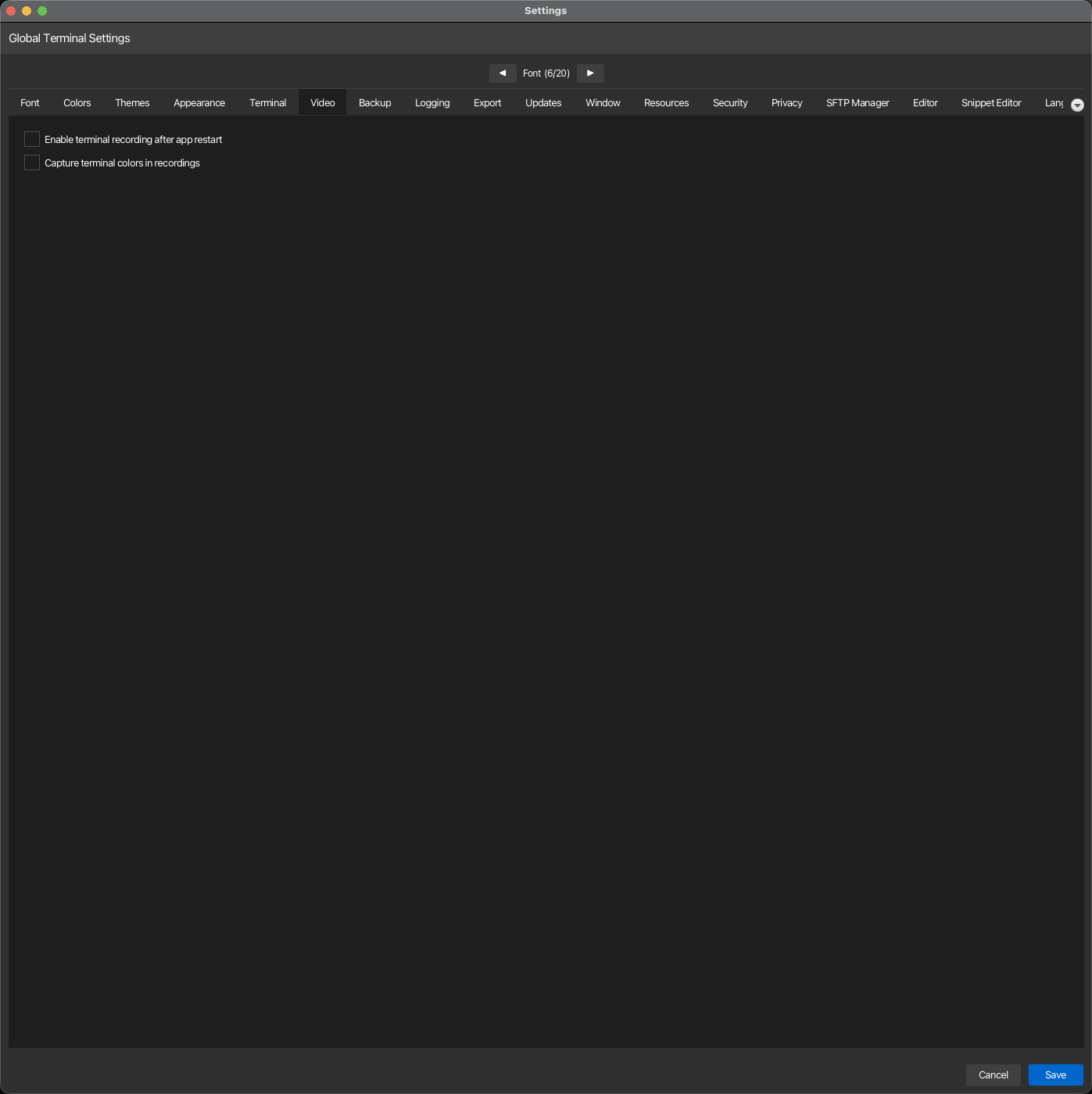
Configure terminal recording and replay options. These settings control how korTTY captures and replays terminal sessions, including color preservation and automatic recording availability. Open via Configuration → Global Settings → Video; stored in ~/.kortty/global-settings.xml.
| Setting | Type | Values | Default | Stored as |
|---|---|---|---|---|
| Enable terminal recording after app restart | toggle | — | Off | terminalRecordingEnabled |
| Capture terminal colors in recordings | toggle | — | Off | terminalRecordingCaptureColorsEnabled |
Note
Enabling Capture terminal colors in recordings stores per-cell terminal color information in new replay files. This increases the replay file size but preserves the original terminal appearance, including ANSI colors and background colors, for accurate replay.